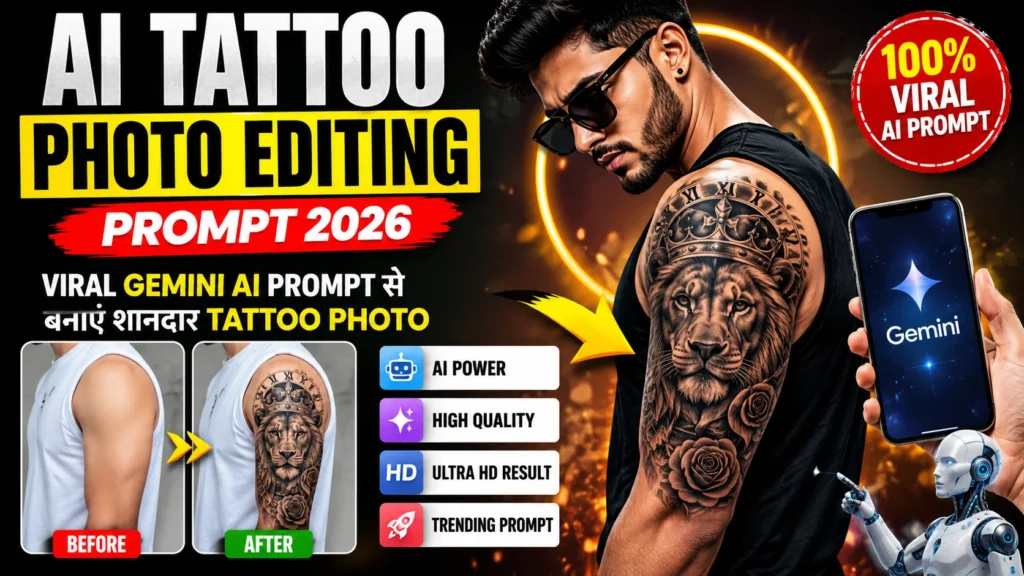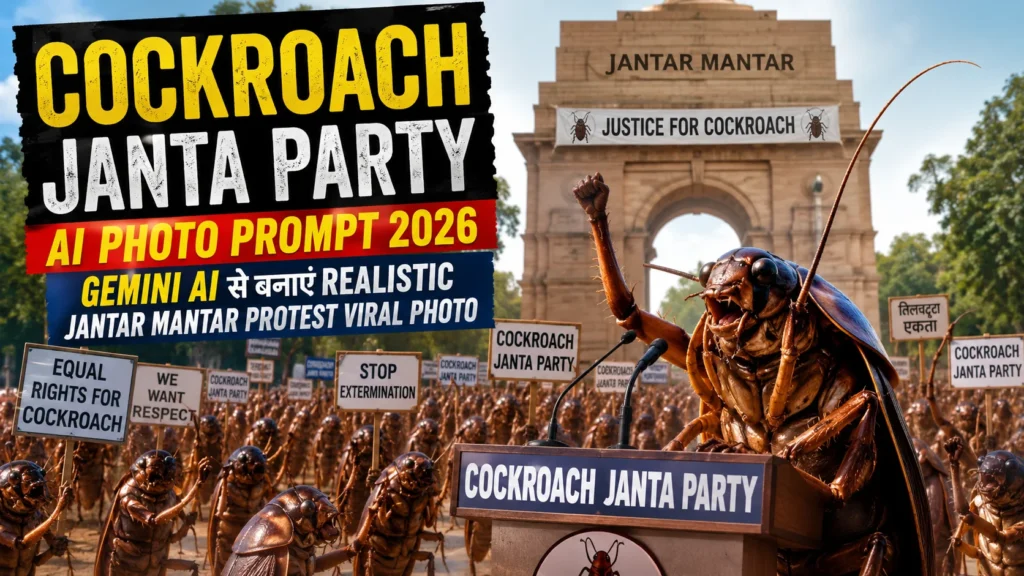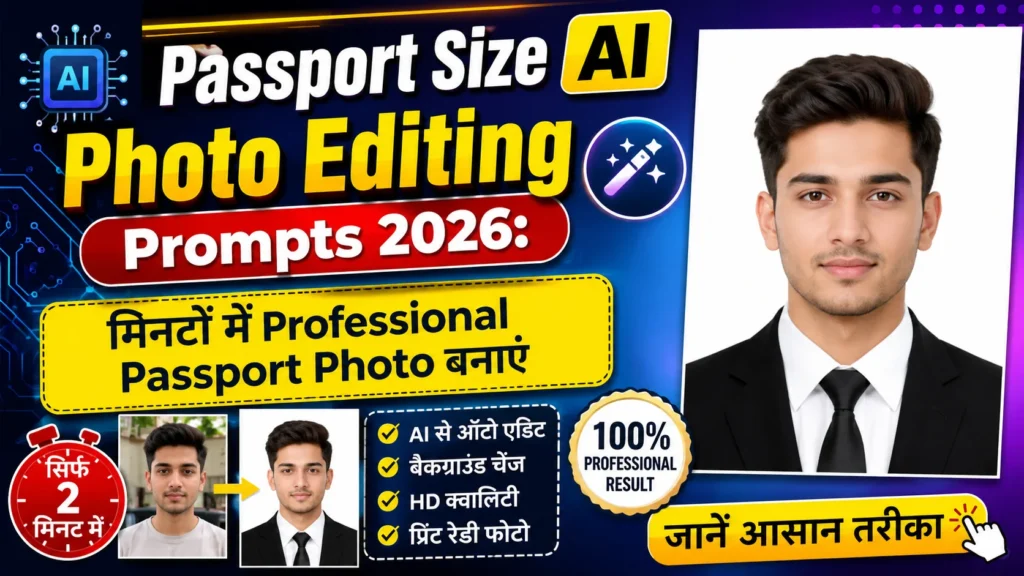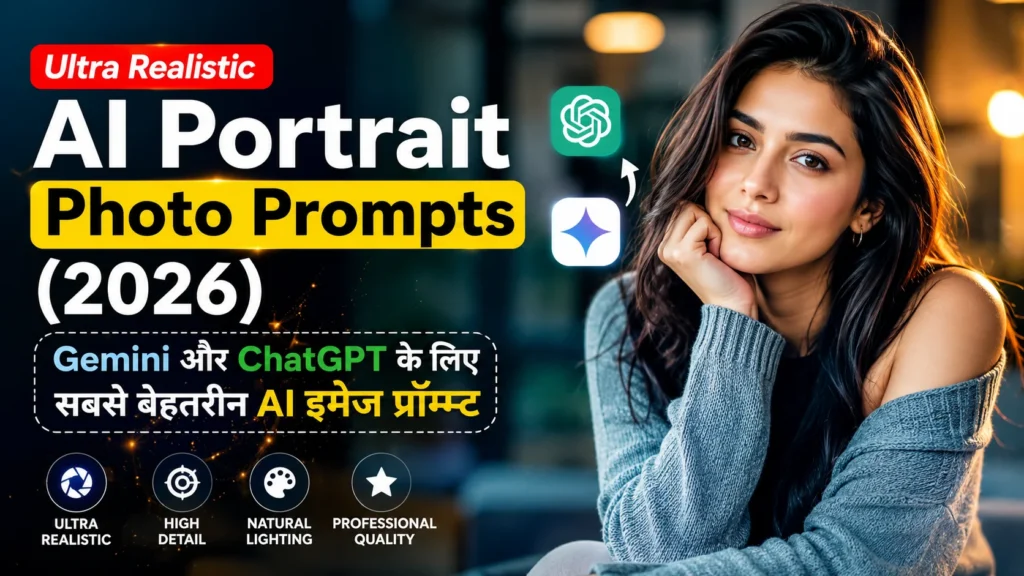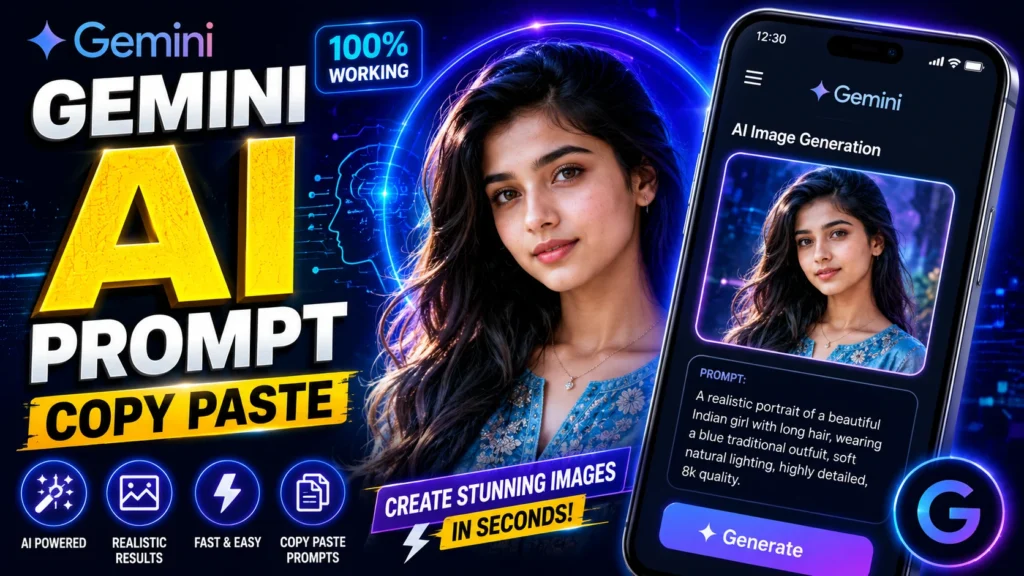
अगर आप Gemini AI की मदद से बिना किसी एडिटिंग स्किल के प्रोफेशनल AI फोटो बनाना चाहते हैं, तो सही Prompt का इस्तेमाल करना बहुत जरूरी है। एक अच्छा AI Prompt आपकी फोटो को अधिक रियलिस्टिक, आकर्षक और हाई-क्वालिटी बना सकता है।
इस लेख में आपको Gemini AI Photo Prompt Copy Paste (2026) के लिए बेहतरीन Prompts, उन्हें इस्तेमाल करने का तरीका और शानदार AI फोटो बनाने के आसान टिप्स मिलेंगे। आप इन Prompts को सीधे कॉपी करके Gemini AI में इस्तेमाल कर सकते हैं।
Gemini AI Photo Prompt क्या है?
Gemini AI Photo Prompt एक टेक्स्ट निर्देश (Prompt) होता है, जिसे Gemini AI Image Generator में डालने पर AI उसी के अनुसार इमेज तैयार करने की कोशिश करता है। जितना स्पष्ट और विस्तृत Prompt होगा, उतनी बेहतर क्वालिटी की इमेज मिलने की संभावना रहती है।
Gemini AI Photo Prompt Copy Paste क्यों है ट्रेंड में?
आसान और तेज़ तरीका
लंबा Prompt लिखने की जरूरत नहीं होती। तैयार Prompt को कॉपी करके सीधे इस्तेमाल किया जा सकता है।
शानदार AI रिजल्ट
अच्छे Prompts से AI अधिक रियलिस्टिक, डिटेल्ड और प्रोफेशनल लुक वाली इमेज बनाने में मदद करता है।
सोशल मीडिया के लिए परफेक्ट
Instagram, Facebook, WhatsApp DP, YouTube Thumbnail और Reels Cover के लिए शानदार AI फोटो तैयार की जा सकती हैं।
Best Gemini AI Photo Prompt Copy Paste
1. Realistic Portrait Prompt
Prompt:
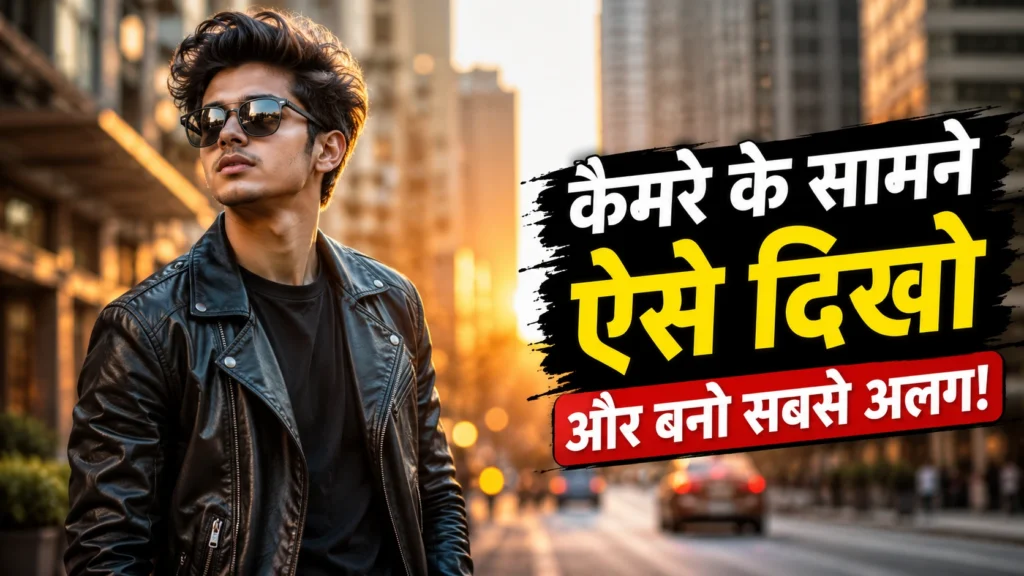
Create an ultra-realistic portrait of a young person with natural skin texture, sharp facial details, cinematic lighting, DSLR camera quality, vibrant colors, realistic eyes, soft background blur, professional photography style, highly detailed, 8K resolution.
2. Outdoor Nature Prompt
Prompt:
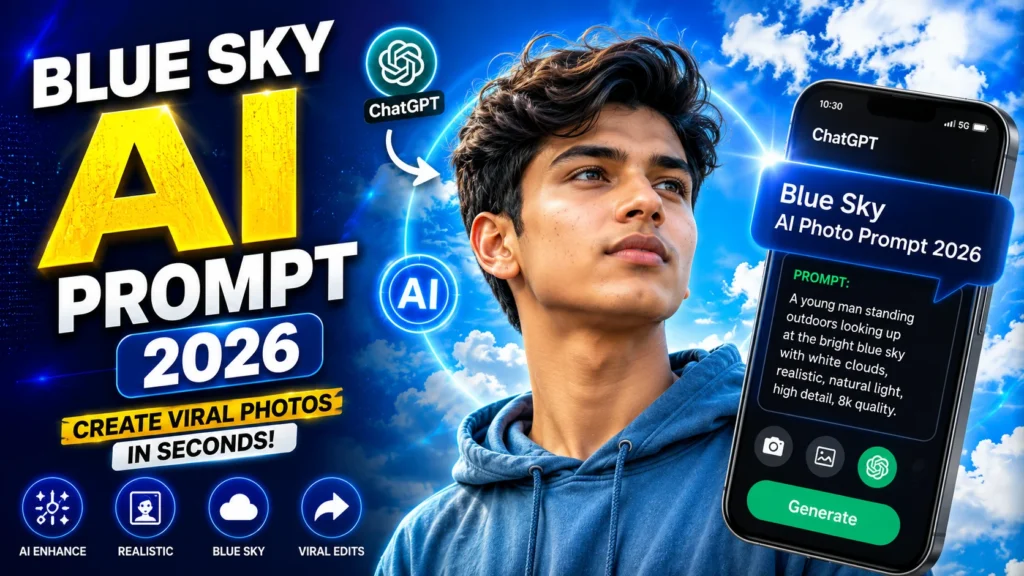
Generate a realistic outdoor portrait in a beautiful green park with bright blue sky, soft sunlight, natural shadows, realistic face, premium DSLR photography, ultra HD, vibrant colors, depth of field, highly detailed.
3. Royal Look Prompt
Prompt:
Create a royal portrait wearing elegant traditional outfit with luxurious background, golden lighting, premium photography, ultra-realistic face, detailed clothing, cinematic style, 8K quality, highly detailed.
4. Professional Business Prompt
Prompt:
Create a professional business portrait wearing a formal suit in a modern office, realistic face, cinematic lighting, DSLR quality, premium corporate photography, ultra HD, sharp details, clean background.
Gemini AI Photo बनाने का तरीका
1. Gemini AI खोलें
अपने डिवाइस पर Gemini AI या किसी ऐसे AI टूल को खोलें जिसमें इमेज जनरेशन की सुविधा उपलब्ध हो।
2. Prompt कॉपी करें
ऊपर दिया गया कोई भी Prompt अपनी जरूरत के अनुसार चुनें।
3. Prompt में बदलाव करें
आप अपना Gender, Hair Style, Dress, Background, Pose या Camera Angle जोड़ सकते हैं ताकि इमेज आपकी पसंद के अनुसार बने।
4. Generate पर क्लिक करें
Prompt सबमिट करें और तैयार AI इमेज को डाउनलोड करें।
शानदार AI फोटो बनाने के टिप्स
Lighting का सही उपयोग करें
Prompt में Cinematic Lighting, Soft Light, Golden Hour या Natural Sunlight जैसे शब्द जोड़ें।
Camera Quality लिखें
DSLR Quality, Ultra HD, 8K Resolution और Professional Photography जैसे शब्द बेहतर परिणाम दे सकते हैं।
Background को स्पष्ट रखें
Mountain, Beach, Garden, Luxury Room या Modern Office जैसे बैकग्राउंड का उल्लेख करें।
Extra Details जोड़ें
Facial Expression, Camera Angle, Outfit, Mood और Color Tone जैसी जानकारी देने से AI को बेहतर दिशा मिलती है।
Editing Prompt
Prompt:
Ultra-realistic portrait, natural skin texture, cinematic lighting, DSLR camera quality, realistic eyes, vibrant colors, premium photo editing, ultra HD, soft depth of field, highly detailed, 8K resolution, professional photography, clean background, realistic shadows.
FAQs
Gemini AI Photo Prompt क्या है?
यह एक टेक्स्ट Prompt होता है जिसे Gemini AI में डालकर AI इमेज बनाई जा सकती है।
क्या Copy Paste Prompt बेहतर रिजल्ट देता है?
हाँ, यदि Prompt स्पष्ट और विस्तृत हो, तो AI बेहतर क्वालिटी की इमेज बनाने में अधिक सक्षम होता है।
क्या Gemini AI मुफ्त में इस्तेमाल किया जा सकता है?
Gemini की सुविधाएँ आपके अकाउंट, क्षेत्र और उपलब्ध प्लान पर निर्भर करती हैं। कुछ फीचर्स मुफ्त हो सकते हैं जबकि कुछ के लिए भुगतान करना पड़ सकता है।
क्या मैं Prompt को बदल सकता हूँ?
हाँ, आप Outfit, Pose, Background, Face Expression और Lighting जैसी जानकारी अपनी पसंद के अनुसार बदल सकते हैं।
क्या ये Prompts मोबाइल पर भी काम करेंगे?
यदि आपके मोबाइल पर Gemini या कोई समर्थित AI इमेज टूल उपलब्ध है, तो इन Prompts का उपयोग किया जा सकता है।
Conclusion
Gemini AI Photo Prompt Copy Paste (2026) की मदद से आप बिना किसी एडिटिंग अनुभव के शानदार AI इमेज तैयार कर सकते हैं। सही Prompt चुनकर और उसमें अपनी पसंद के अनुसार बदलाव करके आप सोशल मीडिया, प्रोफाइल फोटो, पोस्टर और क्रिएटिव प्रोजेक्ट्स के लिए आकर्षक और प्रोफेशनल इमेज बना सकते हैं।