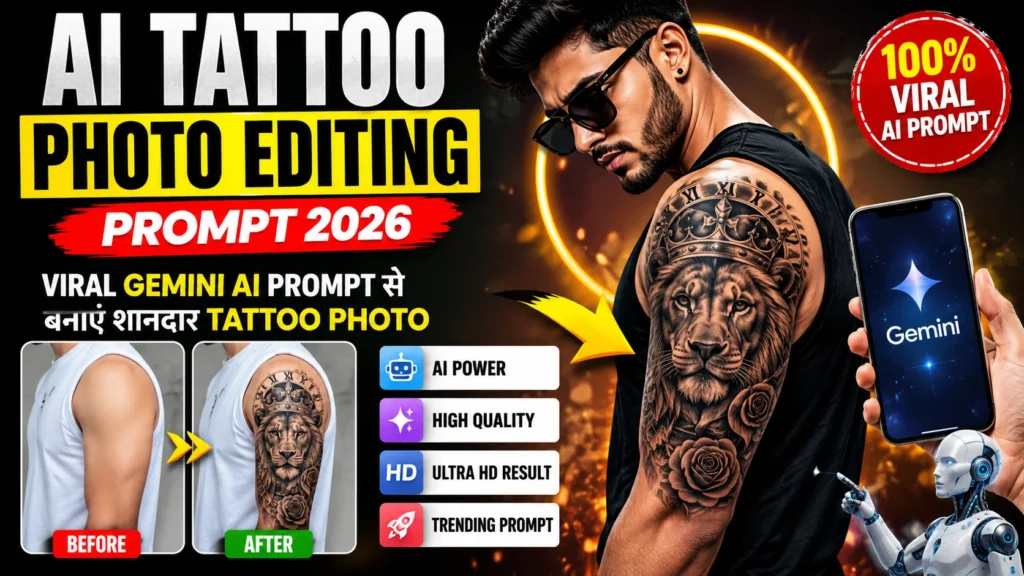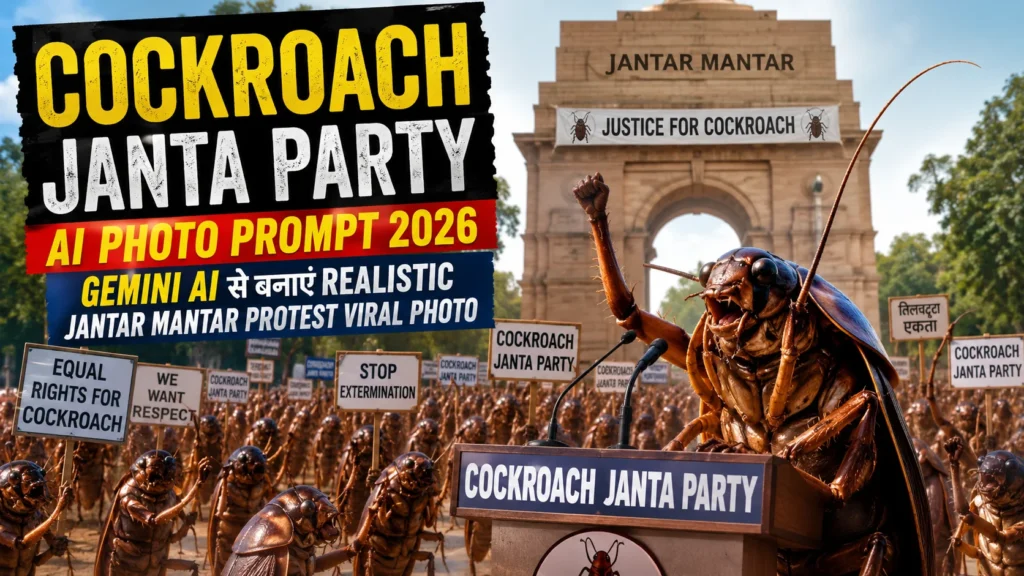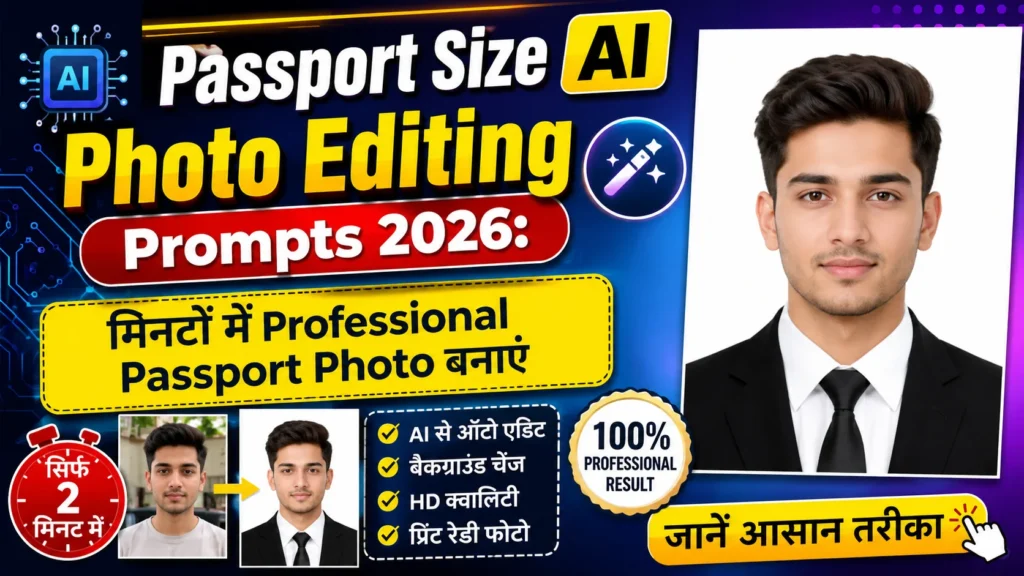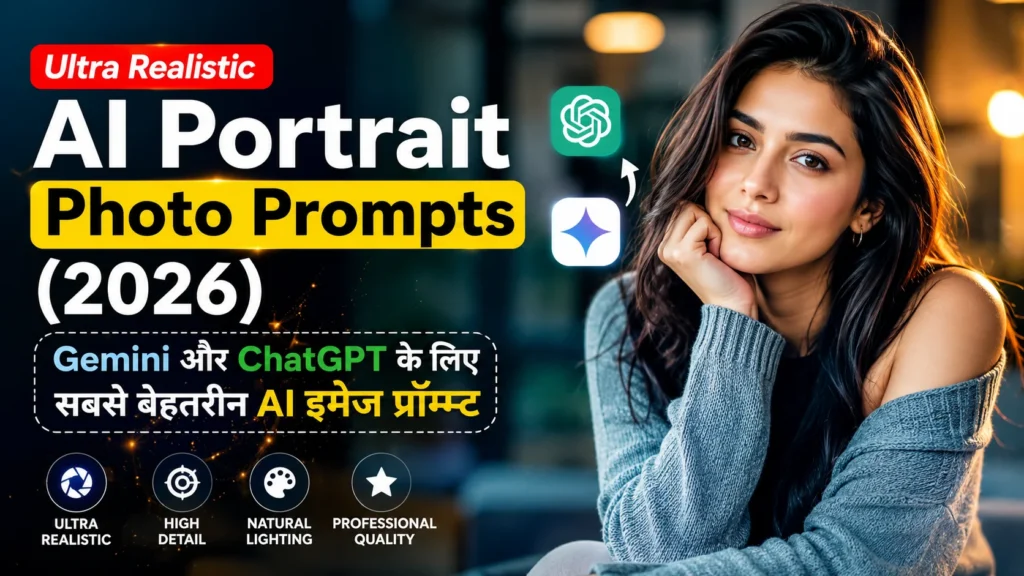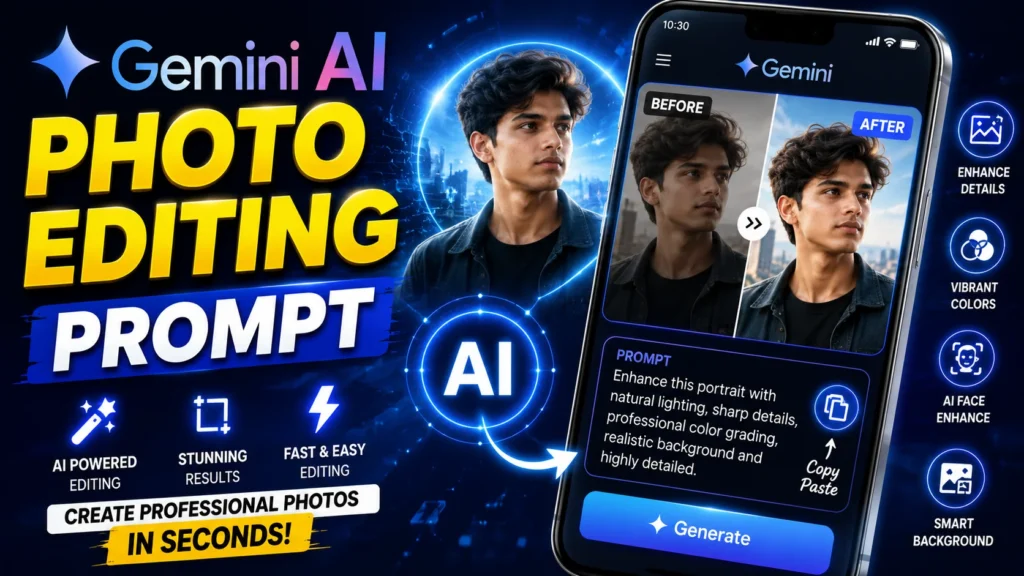
अगर आप बिना किसी प्रोफेशनल एडिटिंग स्किल के अपनी फोटो को शानदार लुक देना चाहते हैं, तो Google Gemini AI Photo Editing Prompt आपके लिए बेहतरीन विकल्प हो सकता है। सही Prompt की मदद से आप फोटो का बैकग्राउंड बदल सकते हैं, लाइटिंग बेहतर कर सकते हैं, चेहरे की डिटेल्स को आकर्षक बना सकते हैं और फोटो को प्रोफेशनल लुक देने की कोशिश कर सकते हैं।
इस लेख में आपको Google Gemini AI Photo Editing Prompt (2026), बेहतरीन Editing Prompts, उपयोग करने का तरीका और शानदार रिजल्ट पाने के आसान टिप्स मिलेंगे।
Google Gemini AI Photo Editing Prompt क्या है?
Google Gemini AI Photo Editing Prompt एक टेक्स्ट निर्देश (Prompt) होता है जिसे AI को दिया जाता है, ताकि वह आपकी फोटो में बताए गए बदलाव करने की कोशिश कर सके। जितना स्पष्ट और विस्तृत Prompt होगा, उतने बेहतर परिणाम मिलने की संभावना रहती है।
Google Gemini AI Photo Editing Prompt के फायदे
प्रोफेशनल फोटो एडिटिंग
AI की मदद से फोटो में Lighting, Color, Sharpness और Background को बेहतर बनाया जा सकता है।
समय की बचत
लंबी और जटिल एडिटिंग की बजाय सही Prompt देकर कुछ ही समय में बेहतर परिणाम प्राप्त किए जा सकते हैं।
सोशल मीडिया के लिए शानदार फोटो
Instagram, Facebook, WhatsApp DP, YouTube Thumbnail और LinkedIn Profile जैसी जगहों के लिए आकर्षक फोटो तैयार की जा सकती हैं।
Best Google Gemini AI Photo Editing Prompts
1. Cinematic Portrait Editing Prompt
Prompt:
Edit this portrait with cinematic lighting, realistic skin texture, natural color grading, DSLR camera quality, sharp facial details, soft background blur, realistic shadows, vibrant colors, premium photography style, ultra HD, highly detailed, 8K quality.
2. Background Replacement Prompt
Prompt:
Replace the background with a beautiful blue sky and green landscape, maintain realistic lighting, natural shadows, realistic reflections, ultra HD quality, professional photography, clean composition, highly detailed.
3. Professional Headshot Prompt
Prompt:
Transform this photo into a professional business headshot with formal attire, modern office background, realistic facial enhancement, cinematic lighting, DSLR quality, sharp details, premium corporate photography, ultra HD.
4. Luxury Outdoor Editing Prompt
Prompt:
Edit this image with a luxury outdoor location, golden hour lighting, vibrant colors, realistic face enhancement, cinematic photography, natural skin tone, soft depth of field, ultra-realistic, 8K quality.
Google Gemini AI में Photo Edit कैसे करें?
1. Google Gemini खोलें
Gemini में उपलब्ध इमेज एडिटिंग या इमेज जनरेशन सुविधा का उपयोग करें, यदि वह आपके अकाउंट में उपलब्ध है।
2. अपनी फोटो अपलोड करें
जिस फोटो को एडिट करना चाहते हैं, उसे अपलोड करें।
3. Editing Prompt पेस्ट करें
ऊपर दिए गए किसी भी Prompt को कॉपी करके पेस्ट करें।
4. जरूरत के अनुसार बदलाव करें
Background, Outfit, Lighting, Face Enhancement, Camera Angle और Color Tone जैसी जानकारी जोड़ें।
5. AI से फोटो एडिट करवाएं
Prompt सबमिट करें और तैयार फोटो की समीक्षा करें। जरूरत हो तो Prompt में बदलाव करके दोबारा प्रयास करें।
बेहतर AI Editing के लिए टिप्स
Natural Lighting का उपयोग करें
Prompt में Natural Light, Soft Light, Golden Hour या Cinematic Lighting जैसे शब्द जोड़ें।
फोटो की क्वालिटी अच्छी रखें
हाई-रिज़ॉल्यूशन फोटो पर AI आमतौर पर बेहतर परिणाम दे सकता है।
स्पष्ट निर्देश दें
Background, Expression, Outfit, Camera Angle और Color Style जैसी जानकारी स्पष्ट रूप से लिखें।
एक बार में कम बदलाव मांगें
यदि बहुत सारे बदलाव एक साथ लिखे जाएँ, तो परिणाम आपकी अपेक्षा से अलग हो सकते हैं। ज़रूरत हो तो एडिटिंग को चरणों में करें।
Editing Prompt
Prompt:
Edit this photo with ultra-realistic facial enhancement, natural skin texture, cinematic lighting, DSLR quality, vibrant colors, realistic shadows, soft depth of field, clean background, professional photography, ultra HD, 8K resolution, premium color grading, highly detailed.
FAQs
Google Gemini AI Photo Editing Prompt क्या है?
यह एक टेक्स्ट निर्देश है जिसकी मदद से AI को फोटो में किए जाने वाले बदलाव बताए जाते हैं।
क्या Google Gemini से फोटो एडिट की जा सकती है?
यदि आपके Gemini अकाउंट में इमेज एडिटिंग की सुविधा उपलब्ध है, तो आप AI की मदद से फोटो एडिट कर सकते हैं।
क्या यह Prompt मुफ्त में इस्तेमाल किया जा सकता है?
Prompt टेक्स्ट के रूप में मुफ्त है, लेकिन Gemini की उपलब्ध सुविधाएँ आपके अकाउंट और प्लान पर निर्भर करती हैं।
क्या मैं Prompt को अपनी जरूरत के अनुसार बदल सकता हूँ?
हाँ, आप Lighting, Background, Outfit, Pose, Camera Angle और अन्य विवरण अपनी पसंद के अनुसार बदल सकते हैं।
सबसे अच्छा AI Editing Prompt कौन सा है?
ऐसा कोई एक Prompt नहीं है जो हर फोटो पर सबसे अच्छा काम करे। आपकी फोटो और जरूरत के अनुसार Prompt में बदलाव करने से बेहतर परिणाम मिल सकते हैं।
Conclusion
Google Gemini AI Photo Editing Prompt (2026) की मदद से आप अपनी तस्वीरों को अधिक आकर्षक और प्रोफेशनल लुक देने के लिए AI का उपयोग कर सकते हैं। यदि आप स्पष्ट और विस्तृत Prompts लिखते हैं, तो बेहतर परिणाम मिलने की संभावना बढ़ जाती है। सोशल मीडिया पोस्ट, प्रोफाइल फोटो या क्रिएटिव प्रोजेक्ट्स के लिए ये Prompts एक अच्छी शुरुआत साबित हो सकते हैं।